
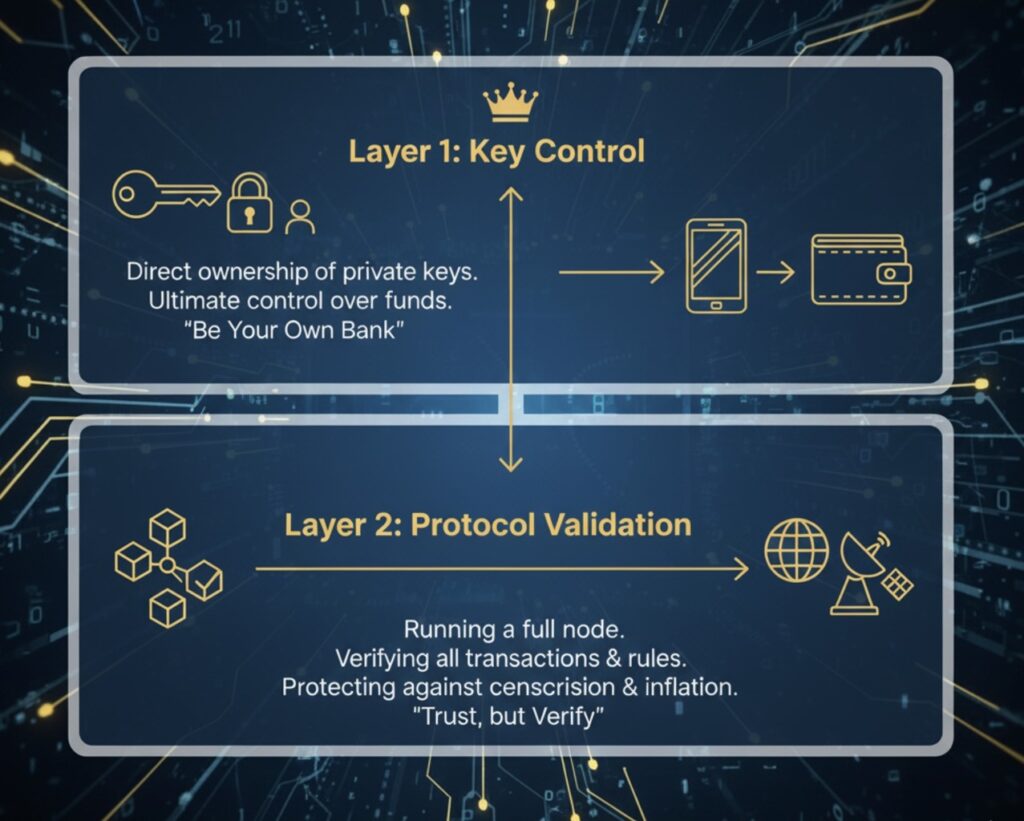
In the evolving landscape of digital finance, Bitcoin stands as a revolutionary system designed to eliminate the need for trusted third parties. Yet many Bitcoin holders unknowingly surrender the very sovereignty that makes Bitcoin revolutionary by relying on custodians or lightweight clients. True Bitcoin sovereignty requires not just holding your private keys, but also validating the consensus rules yourself. This article explores how running your own full node transforms you from a passive participant to an active enforcer of Bitcoin’s core principles.
The Two Layers of Bitcoin Sovereignty
Bitcoin sovereignty exists in two distinct but complementary layers. Understanding this hierarchy is essential for anyone serious about maintaining true independence in the Bitcoin ecosystem.
Layer 1: Asset Control Through Key Custody
The foundation of digital sovereignty begins with self-custody. When you control your private keys, typically using a hardware or software wallet, you gain complete sovereignty over your assets. This eliminates the counterparty risk inherent in trusting third-party custodians. Without control over your keys, you’re subject to the decisions of intermediaries who dictate your spending policy.
Layer 2: Protocol Control Through Node Operation
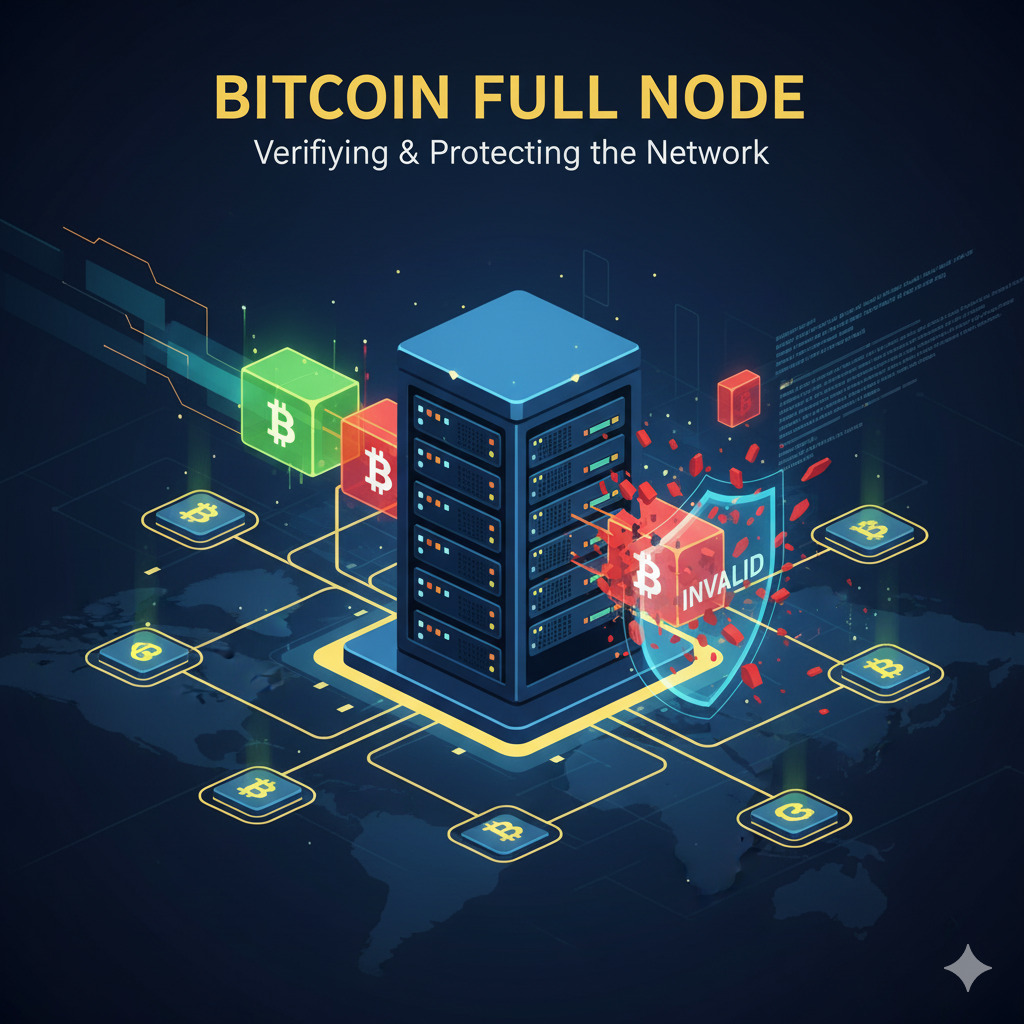
While key control provides asset control, operating a full node provides control over the underlying protocol. Bitcoin is designed as a peer-to-peer system operating without centralized servers. Nodes are independent computer servers that form and maintain the network, validating transactions and blocks according to consensus rules. By running a full node, you personally verify that all transactions follow Bitcoin’s rules.
“Don’t trust, verify” isn’t just a catchy phrase—it’s the fundamental principle that makes Bitcoin truly sovereign. Your node is your vote in the Bitcoin consensus mechanism.
Technical Benefits: Security, Privacy, and Control
Operating a full node confers significant technical advantages over lightweight clients, particularly in three critical areas:
Maximum Security
Your full node offers trustless validation, verifying every received block to ensure complete validity without having to trust miners. This prevents malicious miners from tricking users into accepting rule violations, such as fabricated transactions or exceeding the issuance limit.
Enhanced Privacy
Running your own node eliminates the need to query third-party servers to verify balances or transaction history. When you rely on external nodes, you inevitably leak your IP address and transaction patterns, compromising your privacy. Your personal node protects against surveillance and potential censorship.

Transaction Control
Each full node maintains a local mempool that may differ from others. This autonomy allows you to have full control over your transactions. Your node can reject transactions that violate consensus rules or even local policy rules, giving you granular control over how you interact with the network.

Node Comparison and Security Hierarchy
| Role/Client Type | Rule Enforcement | Trust Requirement | Vulnerability to Attacks | Privacy |
| Full Validation Node (e.g., Core/Knots) | Enforces all consensus rules; rejects invalid blocks. | Zero (Trustless) | Minimal; protects against dishonest miners. | High (Direct P2P connectivity) |
| Lightweight Client (SPV) | Follows the longest chain based on PoW; minimal validation. | High (Relies on miners/intermediate nodes). | High (Vulnerable to 51% attacks, fabricated transactions). | Low (Relies on third-party nodes) |
| Custodial Wallet/Exchange | Zero (Relies entirely on the custodian’s rules). | Total (Trust required for key and asset control). | Extreme (Vulnerable to direct theft and censorship). | None (All data exposed to custodian) |
Historical Case Study: The Blocksize Wars (2015-2017)
The Blocksize War of 2015-2017 represents the most significant governance conflict in Bitcoin’s history. This struggle wasn’t merely technical—it was a battle over who controls the protocol and how Bitcoin should scale. The outcome definitively proved that node operators, not miners, are the ultimate arbiters of Bitcoin’s rules.

Failed Attempts to Centralize Scaling via Hard Forks
Several hard fork proposals attempted to force an increase in the block limit but failed due to resistance from the economic majority of node operators:
| Proposal/Fork | Date | Target Block Size | Primary Justification | Mechanism/Outcome |
| Bitcoin XT | 2014 | 8 MB | Increased transaction throughput (24 Tx/s). | Hard Fork Proposal (BIP 101); Failed to gain node consensus. |
| Bitcoin Classic | 2016 | 2 MB | Moderate capacity increase. | Hard Fork Proposal; Minimal adoption. |
| Bitcoin Unlimited | 2015 | Flexible (up to 16 MB) | Miner-defined block size (Emergent Consensus). | Risky Hard Fork; Failed to gain economic majority support. |
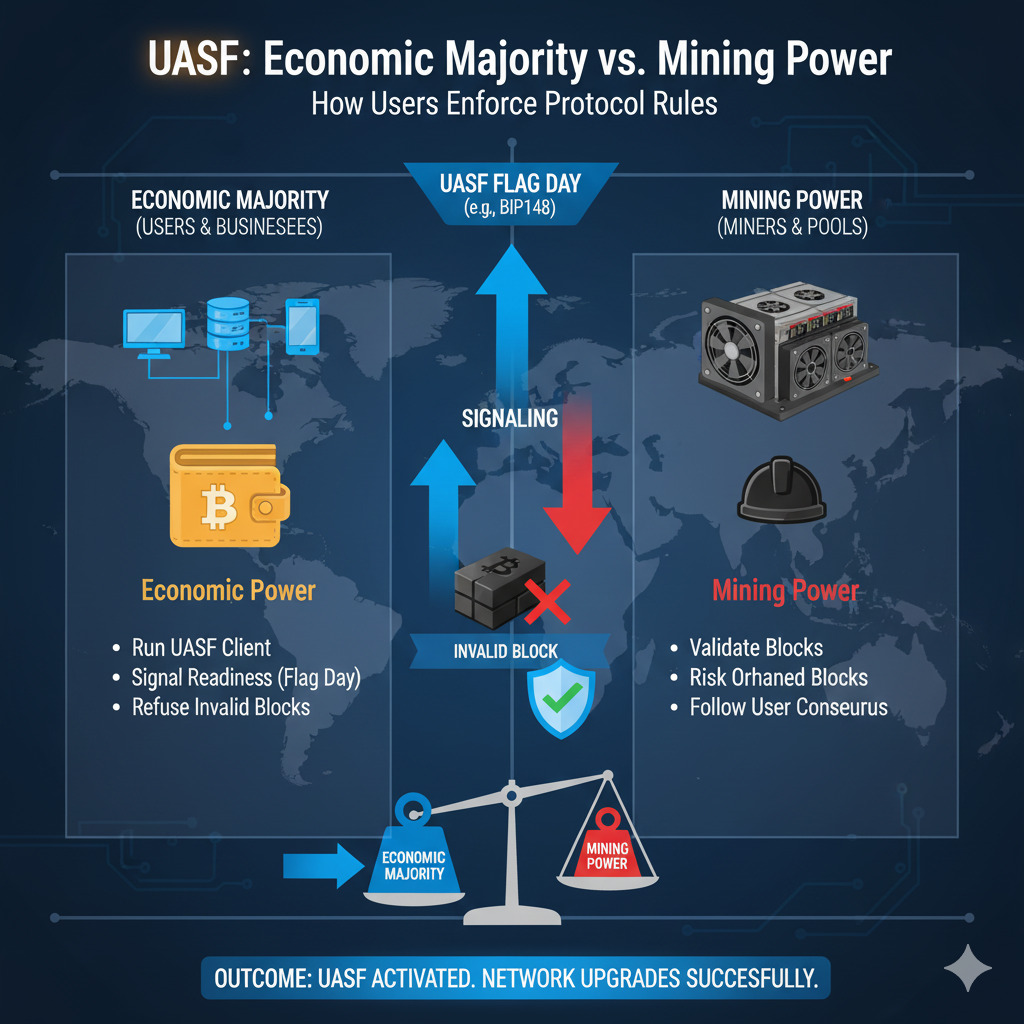
| UASF (BIP 148) | 2017 | N/A (Activated SegWit) | Enforce the SegWit protocol change regardless of mining support. | User Activated Soft Fork; Demonstrated economic majority power. |
| Bitcoin Cash (BCH) | 2017 | 8 MB (Initially) | Rejection of SegWit; preference for on-chain scaling. | User Activated Hard Fork (UAHF); Permanent chain split. |
The Triumph of the Economic Majority: UASF
The User Activated Soft Fork (UASF) through BIP 148 represented a watershed moment for Bitcoin sovereignty. Node operators, not miners, forced the activation of SegWit by threatening to reject blocks that didn’t signal for the upgrade. This economic pressure compelled miners to adopt SegWit to protect their revenue, conclusively demonstrating that node operators collectively determine Bitcoin’s rules.
Modern Policy Enforcement and Protocol Defense
The ability to enforce the user’s point of view continues to be an active defense tool in contemporary debates over the optimal use of block space and Bitcoin’s identity.
The OP_RETURN Filtering Debate
Current debates often center on non-monetary data inscriptions like Ordinals, demonstrating ideological divisions over Bitcoin’s identity: whether it is strictly sound money or also a space for arbitrary data. The OP_RETURN function allows data embedding, historically limited to 80 bytes. Recent controversy arose with Bitcoin Core v30’s decision to remove this 80-byte limit, reigniting the debate over the use of limited block resources.
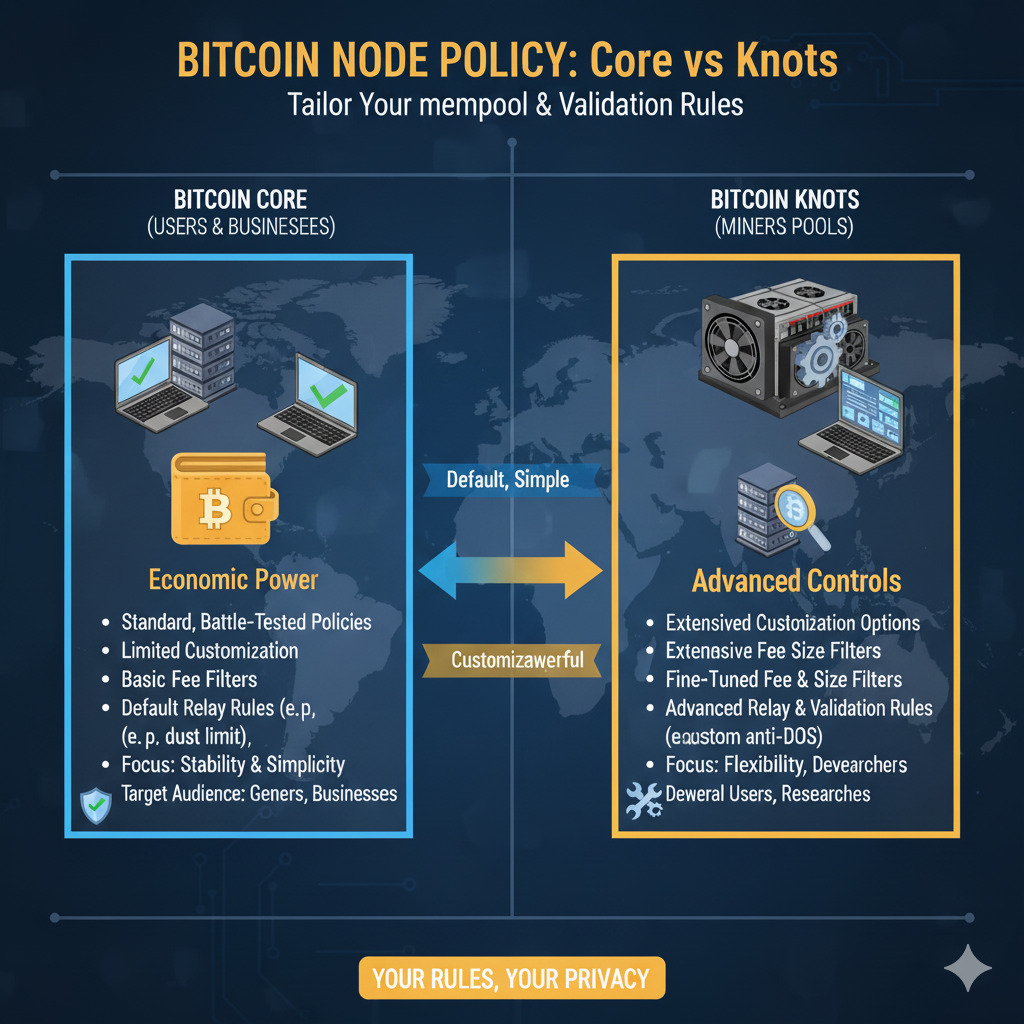
Bitcoin Knots and Granular Rule Control
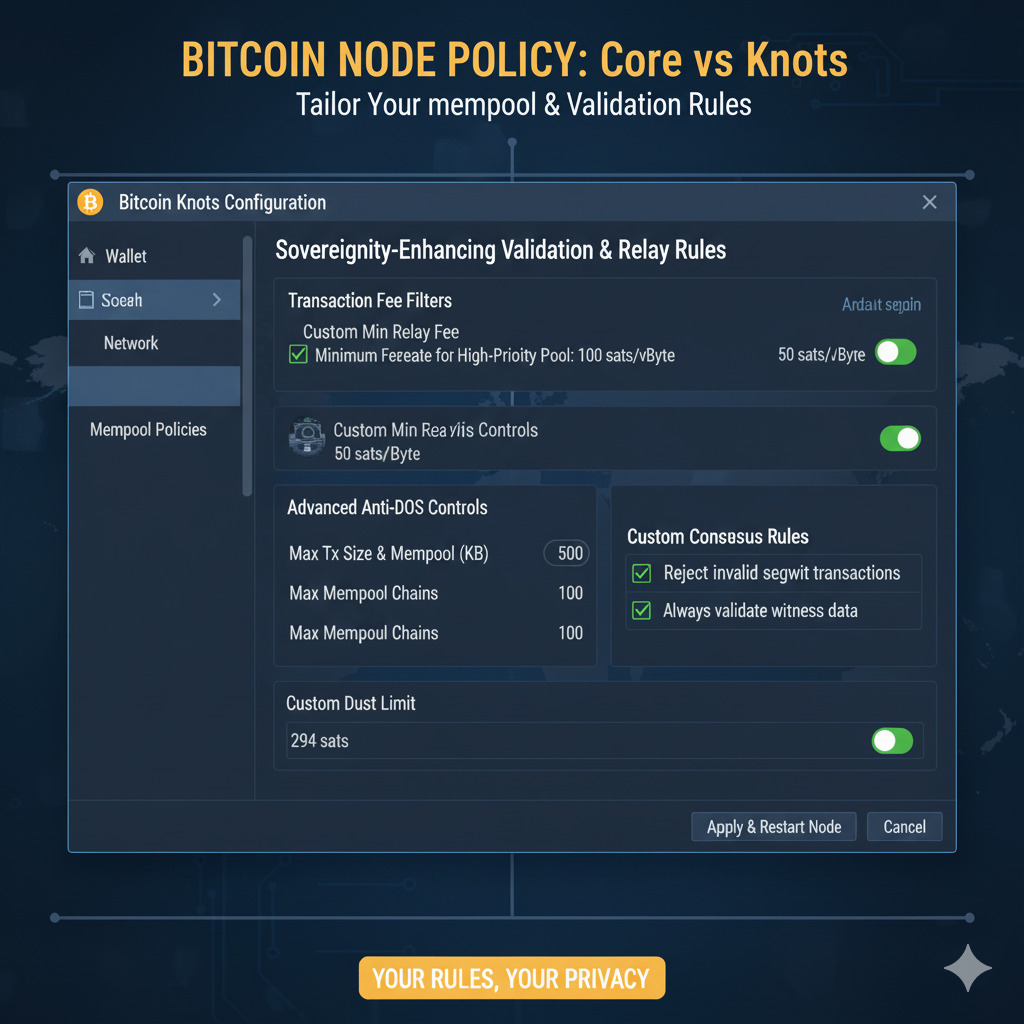
Bitcoin Knots is an alternative full node client that integrates stricter policy controls. Knots nodes allow operators to reject transactions they deem undesirable or constituting “spam.” For example, by setting specific parameters, a node can reject all OP_RETURN transactions outright or enforce stricter limits.
Benefits of Policy Filtering
- Allows node operators to enforce their view of Bitcoin’s purpose
- Creates economic friction for unwanted transaction types
- Provides protection against potential spam attacks
- Maintains block space efficiency for monetary transactions
- Decentralizes governance by allowing individual choice
Limitations of Policy Filtering
- Cannot prevent miners from eventually including filtered transactions
- Requires significant network adoption to be effective
- May create inconsistent mempools across the network
- Potential for ideological fragmentation of the network
- Adds complexity to node operation for average users
Setting Up Your Sovereign Bitcoin Node
Running your own Bitcoin full node is the practical implementation of the sovereignty principles discussed throughout this article. Here’s a comprehensive guide to getting started with your own node.
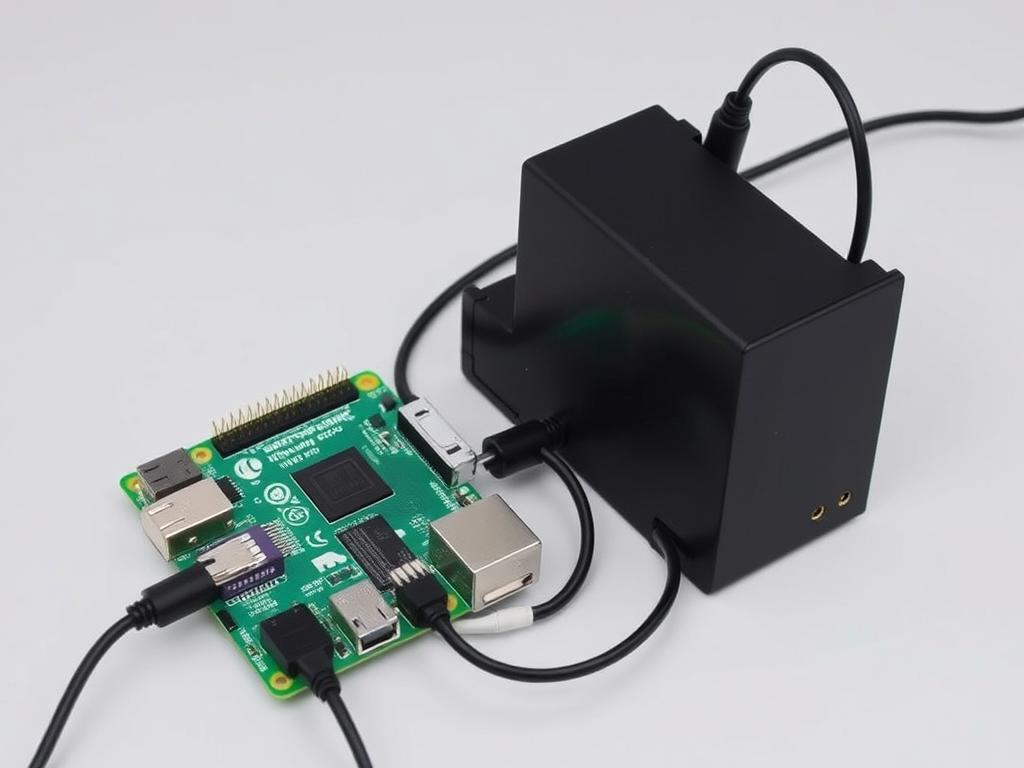
Hardware Requirements
| Component | Minimum Requirement | Recommended | Purpose |
| Processor | 1.5 GHz dual-core | 2+ GHz quad-core | Transaction validation and signature verification |
| RAM | 2 GB | 8+ GB | Mempool management and block validation |
| Storage | 500 GB SSD | 1-2 TB SSD | Blockchain storage (currently ~600 GB and growing) |
| Internet | 50 GB/month | Unlimited connection | Transaction and block relay |
| Power | Standard outlet | UPS backup | Continuous operation |
Software Options
Bitcoin Core
The reference implementation of the Bitcoin protocol. Provides robust validation and is the most widely used node software.
Bitcoin Knots
A Bitcoin Core fork with additional policy controls for transaction filtering and enhanced sovereignty features.
Node Packages
Pre-configured solutions like Umbrel, myNode, and RaspiBlitz that simplify node setup and management.
Step-by-Step Setup Guide for Bitcoin Knots with Enhanced Sovereignty
-
Download Bitcoin Knots
Visit bitcoinknots.org and download the appropriate version for your operating system. Verify the cryptographic signatures to ensure authenticity.
-
Install the Software
Run the installer and follow the on-screen instructions. Choose a location with sufficient disk space for the blockchain.
-
Configure for Enhanced Sovereignty
Create or edit the bitcoin.conf file in your data directory with these recommended settings:
# Basic settings
listen=1
server=1
txindex=1# Enhanced privacy
blocksonly=0
peerbloomfilters=0# Policy controls
datacarrier=0 # Disable OP_RETURN
datacarriersize=80 # Limit OP_RETURN size
permitbaremultisig=0 # Require P2SH for multisig
minrelaytxfee=0.00001 # Minimum fee to relay transactions
-
Start Initial Blockchain Download
Launch Bitcoin Knots and allow it to download and validate the entire blockchain. This process may take several days depending on your hardware.
-
Connect Your Wallet
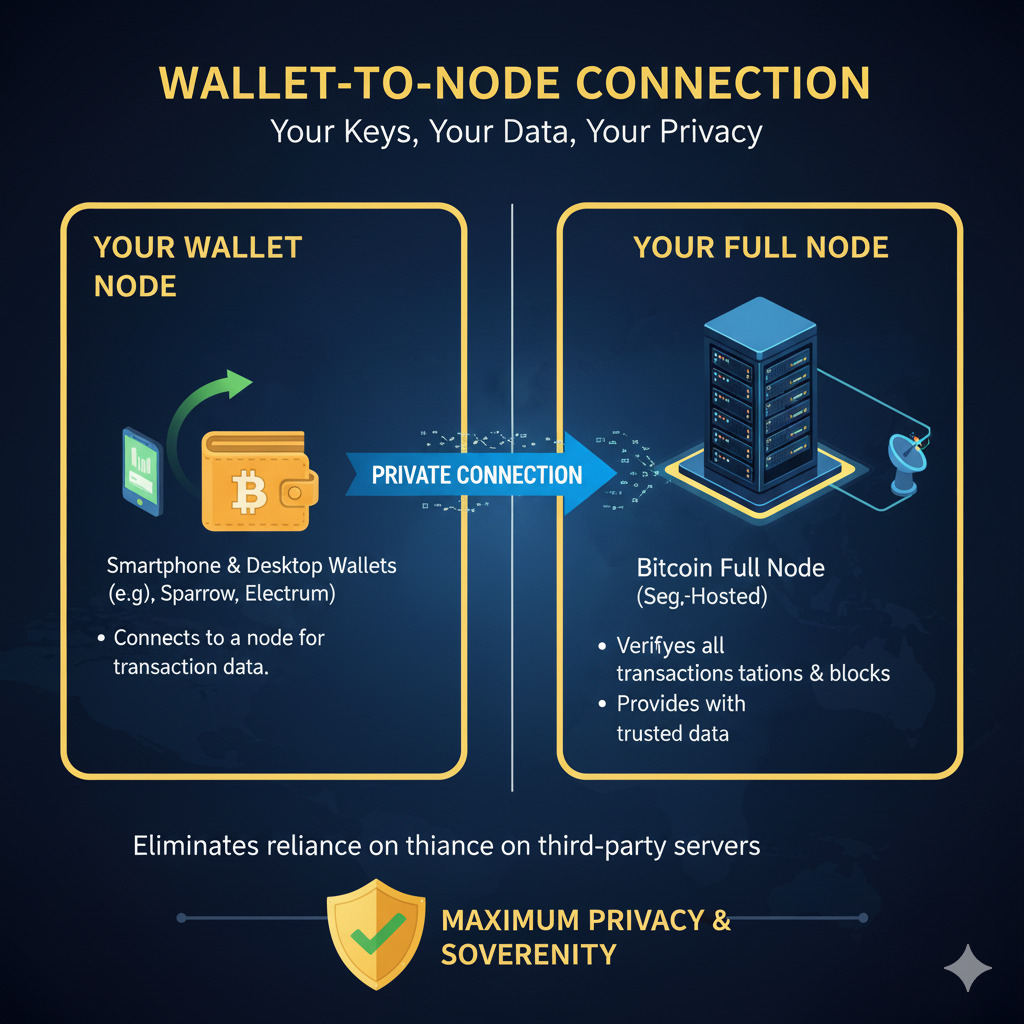
Configure your wallet software (like Electrum or Sparrow) to connect to your local node instead of third-party servers.
-
Verify Operation
Confirm your node is fully synced and validating blocks by checking the status in the GUI or using the getblockchaininfo command in the console.
Connecting Your Wallet to Your Sovereign Node
To maximize your Bitcoin sovereignty, you need to connect your wallet directly to your node. This eliminates reliance on third-party servers for transaction validation and broadcasting.
Setting Up Electrum Server
Electrum Server acts as middleware between your wallet and node, indexing addresses for faster queries. Here’s how to set it up:
-
Install Electrs
Electrs is a lightweight Electrum Server implementation written in Rust. Install it with:
            git clone https://github.com/romanz/electrs.git

            cd electrs

            cargo build --release
-
Configure Electrs
Create a configuration file with these settings:
            network = "bitcoin"

            daemon_dir = "/path/to/bitcoin"

            db_dir = "/path/to/electrs/db"

            electrum_rpc_addr = "127.0.0.1:50001"

            daemon_rpc_addr = "127.0.0.1:8332"
-
Run Electrs
Start the server and allow it to index the blockchain (this may take several hours):
./target/release/electrs --conf /path/to/config.toml
Connecting Popular Wallets
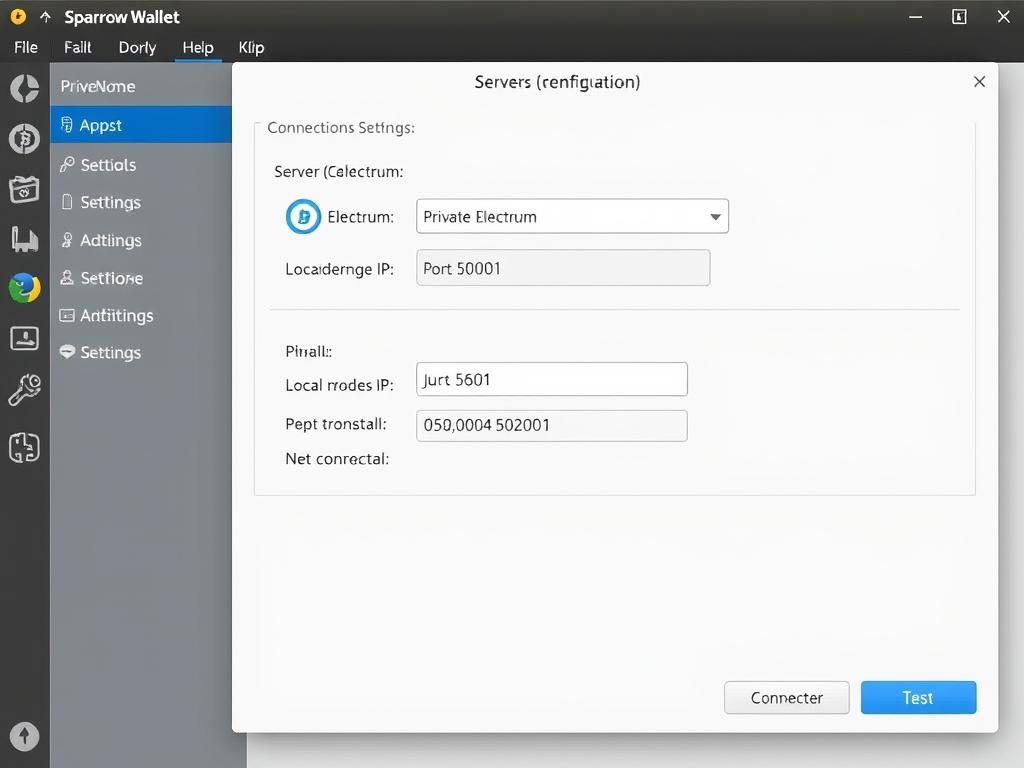
Sparrow Wallet
1. Go to Preferences > Server
2. Select “Private Electrum” server type
3. Enter your node’s IP and port (50001)
4. Test connection and apply
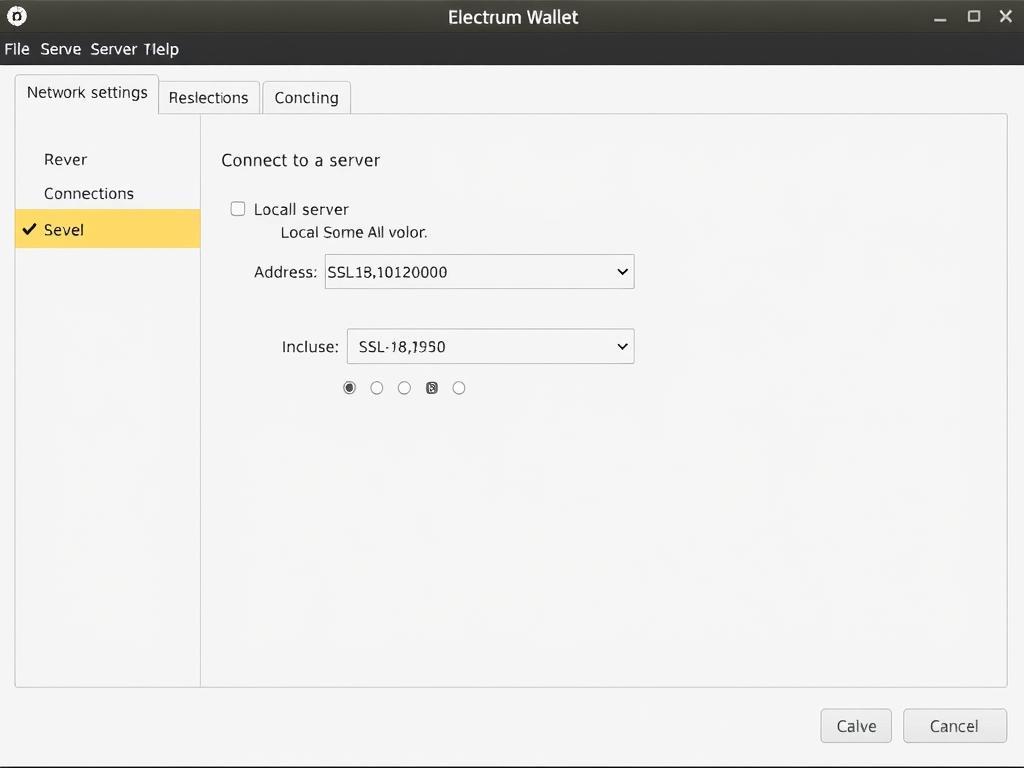
Electrum Wallet
1. Go to Tools > Network
2. Select “Connect to a server”
3. Enter your node’s IP and port
4. Check “Use SSL” if configured
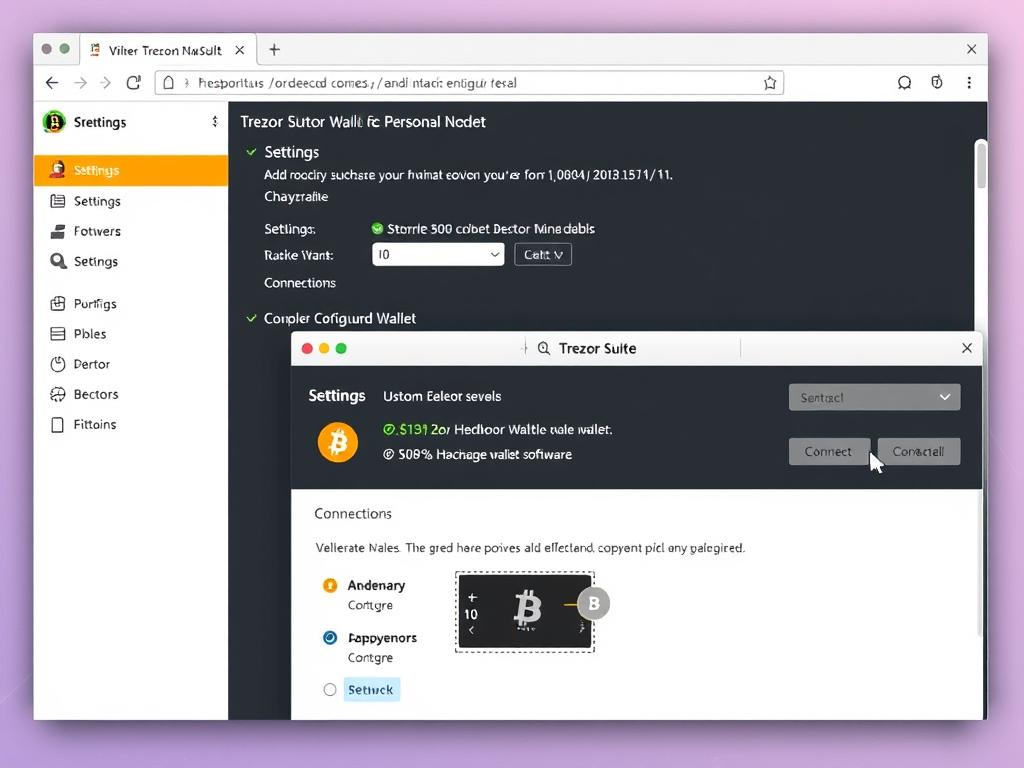
Hardware Wallets
1. Use companion software like Trezor Suite
2. Navigate to settings
3. Select custom Electrum server
4. Enter your node’s details
Conclusion: Securing the Future of Sound Money
Running a full Bitcoin node is not an optional altruistic act, but a fundamental necessity for digital sovereignty. It is the most robust economic and political vote to ensure that the rules underpinning your wealth remain immutable and uncompromised.
Failure to exercise personal validation amounts to passive delegation of sovereignty to centralized service providers. This reliance transforms Bitcoin, a system designed to be trustless, into one that requires trust in banks, exchanges, or large node operators. The historical experience of the Blocksize War, culminating in the success of the UASF, proves that the individual full node operator is the definitive arbiter of Bitcoin consensus.
Take Control of Your Bitcoin Sovereignty Today
Download Bitcoin Knots and follow our step-by-step guide to establish your position as a sovereign validator in the Bitcoin network. Join the thousands of node operators who collectively enforce Bitcoin’s rules and secure its future as sound money.